How to print a comic and read it with your child
Print a story from our sample PDF, take turns reading and talk about a favourite panel.

Choose a story before you print
If you’d like to read away from a screen, start with our downloadable sample PDF. It’s from February 2026, so explain that the stories appeared in an earlier issue.
Look through it yourself and choose a complete story you’re comfortable discussing. Use the page numbers in the PDF viewer when selecting what to print. They may differ from the numbers on the artwork.
Print one page first
Select A4 if that’s your paper size. If the edges are cut off, use your viewer’s fit-to-page setting. Check that the speech bubbles are easy to read before printing the remaining pages; margins vary between printers.
Use the sample at home. Check the permissions before sharing copies with a class or posting the file elsewhere. You can also read the sample online if you prefer.
Decide who reads which part
Ask your child whether they want to read alone, alternate panels or choose a character while you read the other parts. If an unfamiliar word interrupts the story, explain it briefly and carry on.
Afterwards, ask about a favourite panel. What made them choose it? They might point out an expression or a joke you missed.
Leave something for next time
Write down a new word or a question on a scrap of paper and leave it with the story. Your child can draw instead. If they’ve had enough reading for the day, save the question for another time.
Notice whether they go back to a panel, ask for more or want a different topic. Use that to choose the next story. If you’d like regular news comics, you can look at the subscription options after reading the sample.
More from the blog
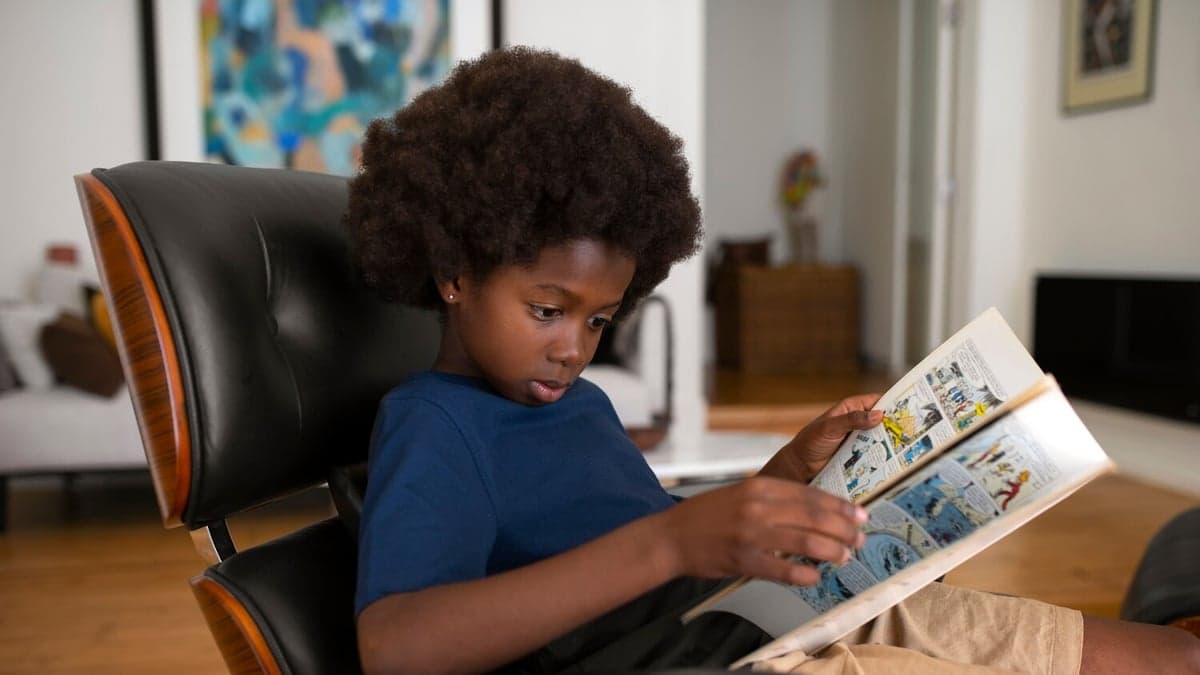
How to choose a comic for a child who avoids reading
Check the pictures, speech bubbles and vocabulary before buying a comic for a reluctant reader.
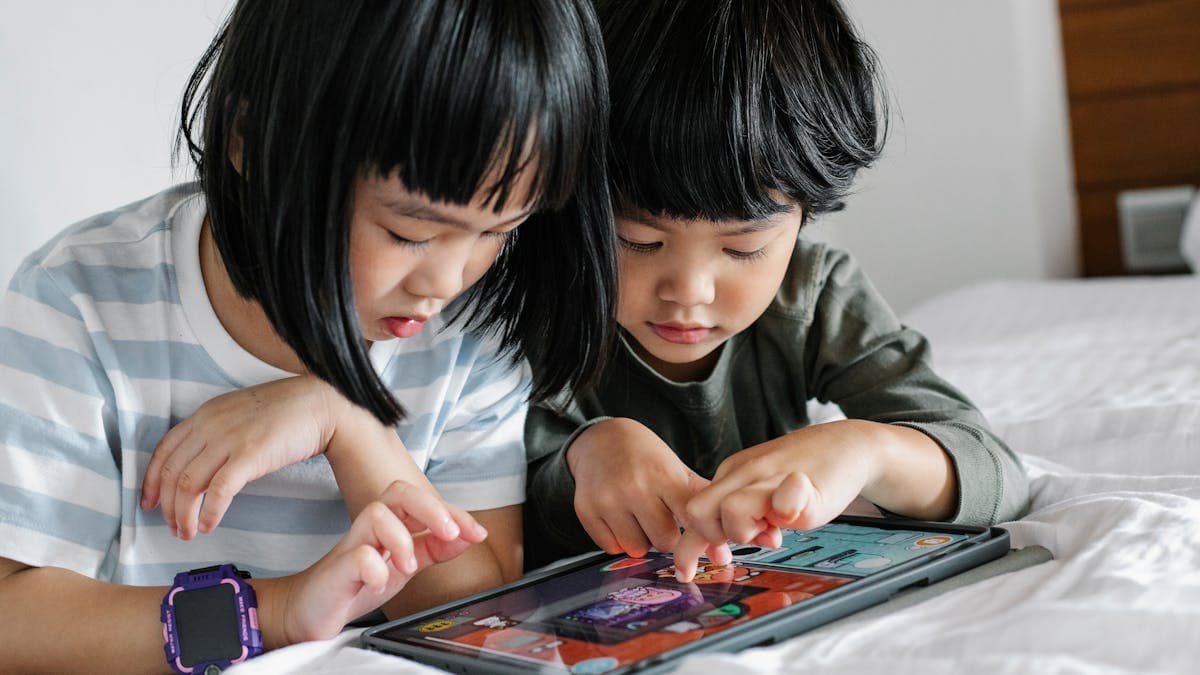
Screen Time vs Reading Time: A Practical Guide for Singapore Parents
Singapore's new screen time guidelines have parents rethinking digital habits. Here's how to shift some of that screen time toward meaningful reading, without a battle.